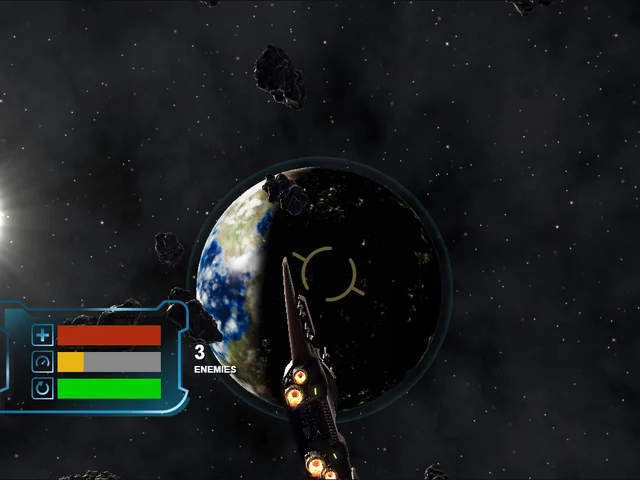
Space Pirates
3D gamesKeyboard
Built-in game. No in-game ads or tracking scripts. Save support varies by game. Check its description before closing. Privacy information · Open game in a new tab
No installs. Straight to the game.
Try native Training or begin normal play. Use a desktop keyboard and mouse, and check the bindings shown by the game.
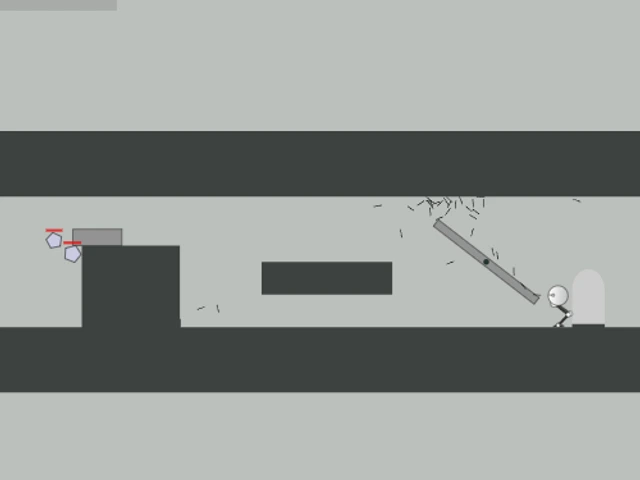
Explore native levels, collect offered weapons and use the field to pick up and throw blocks.
Practice holding, charging and releasing a block with the field. Horizontal view panning is separate from vertical-wheel weapon cycling.
Pause and fullscreen keep the open session. Restart, Stop or Sources/Return resets the unsaved run. After native death, return to the title to start again.
This is the historical 2022 Classic branch, silent and offline. Settings may persist; active runs do not. Touch support is not advertised.
This game starts after Play. Save support varies by game; check its description and in-game options. Browser storage restrictions can prevent supported saves. Real Chromebook device testing is pending.
Created by Ross Landgreen and n-gon contributors. Source & GPL-3.0 game and edition; Matter/poly-decomp MIT; randomColor CC0-1.0 license.
Game not working?