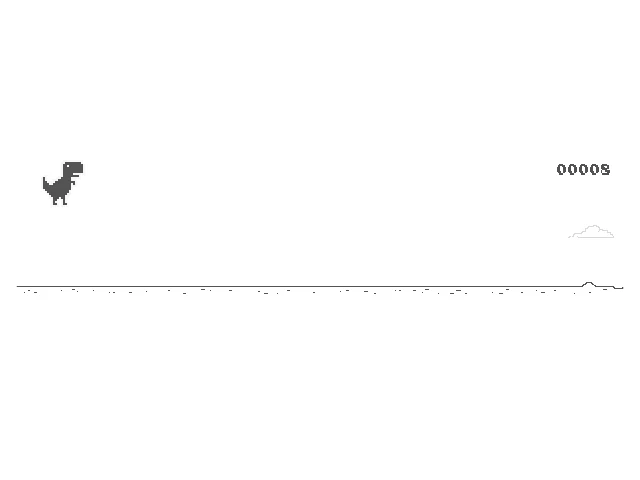
Dino Runner
ArcadeKeyboard
Built-in game. No in-game ads or tracking scripts. Save support varies by game. Check its description before closing. Privacy information · Open game in a new tab
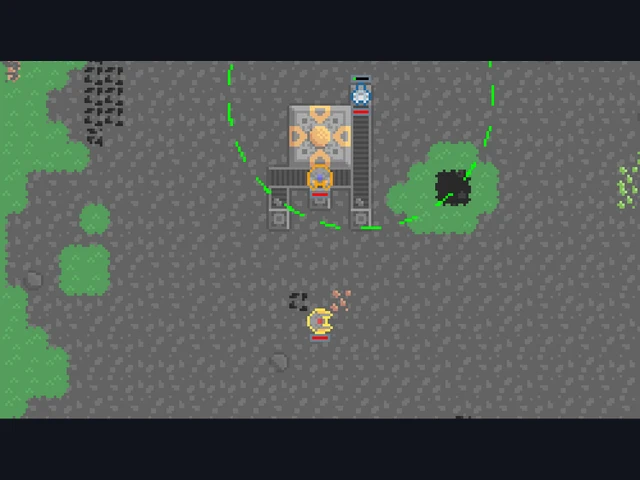
No installs. Straight to the game.
Choose Play and Tutorial. Follow the tutorial’s mining, drill and conveyor steps before expanding your factory.
Mine resources, move them through your factory and supply defenses to protect the core.
Check where a conveyor delivers before adding more machines. A working resource route matters more than an isolated drill or turret.
Use the game’s own save options before leaving. Favorites and recent games only help you find the title again; they do not back up its progress.
This is a single-player Classic edition with local browser saves. Network joining, workshop and account services are omitted. Browser storage restrictions or cleared site data can remove saved progress.
This game starts after Play. Save support varies by game; check its description and in-game options. Browser storage restrictions can prevent supported saves. Real Chromebook device testing is pending.
Created by Anuken and Mindustry contributors. Source & GPL-3.0; retained third-party notices and OFL replacement fonts license.
Game not working?